Bisa banget — dan ini cocok banget sama gaya kamu (Cloudflare Pages + static + automation).
Jangan mulai dari Hono dulu kalau tujuanmu “video gallery sederhana” — itu overkill di awal.
Kita bikin arsitektur yang simpel tapi scalable, nanti kalau mau upgrade ke Hono / API baru kita tambah.
🔥 Konsep yang Paling Masuk Akal
🧠 Arsitektur (simple tapi powerful)
[Cloudflare Pages]
   ↓ (HTML + JS + CSS)
[JSON / API sederhana]
   ↓
[External Storage]
   - R2 (optional)
   - VPS / CDN
   - M3U8 server
   - Image CDN
   - iframe source
👉 Intinya:
- Frontend = static (super cepat)
- Data video = JSON
- File video/image = external (R2 / CDN / server kamu)
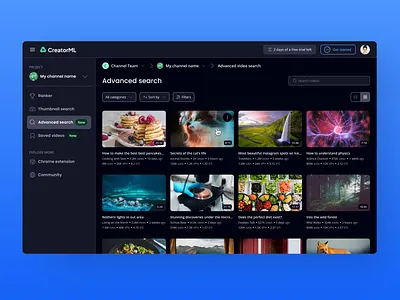
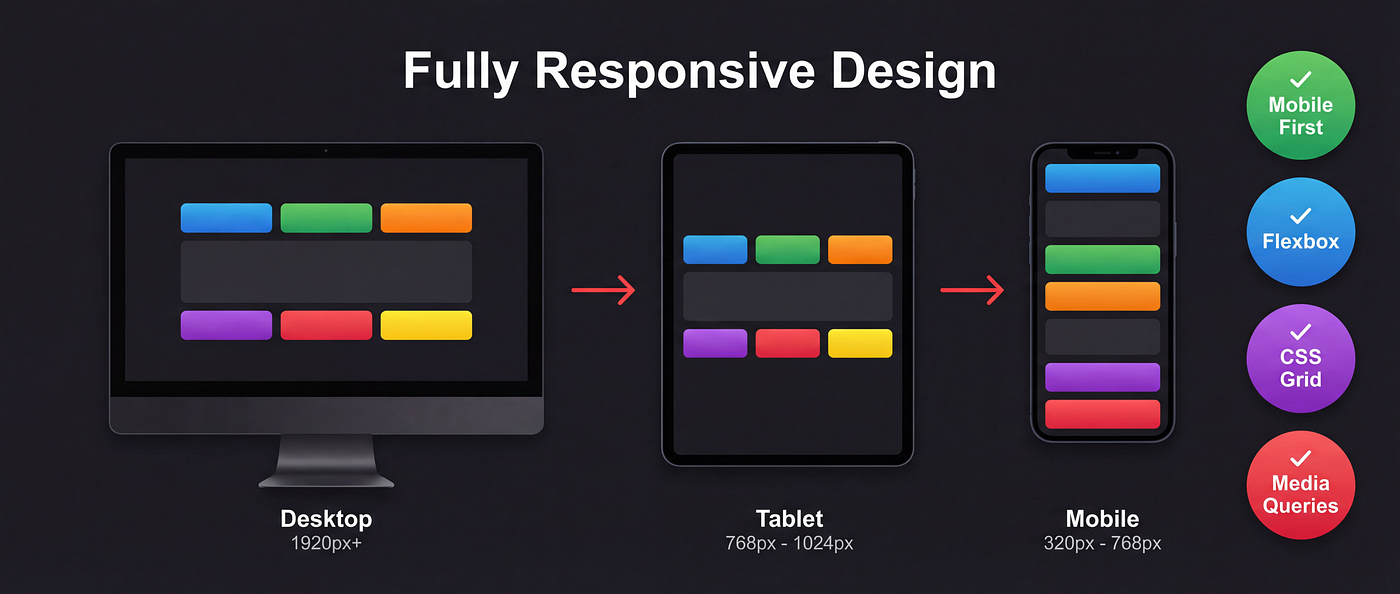
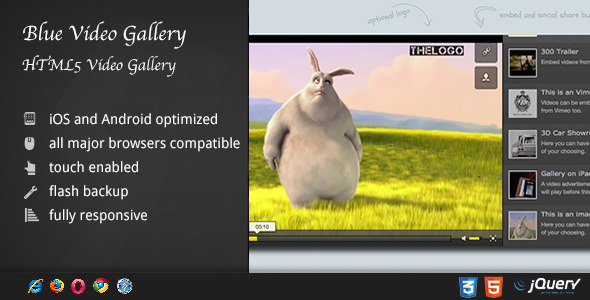
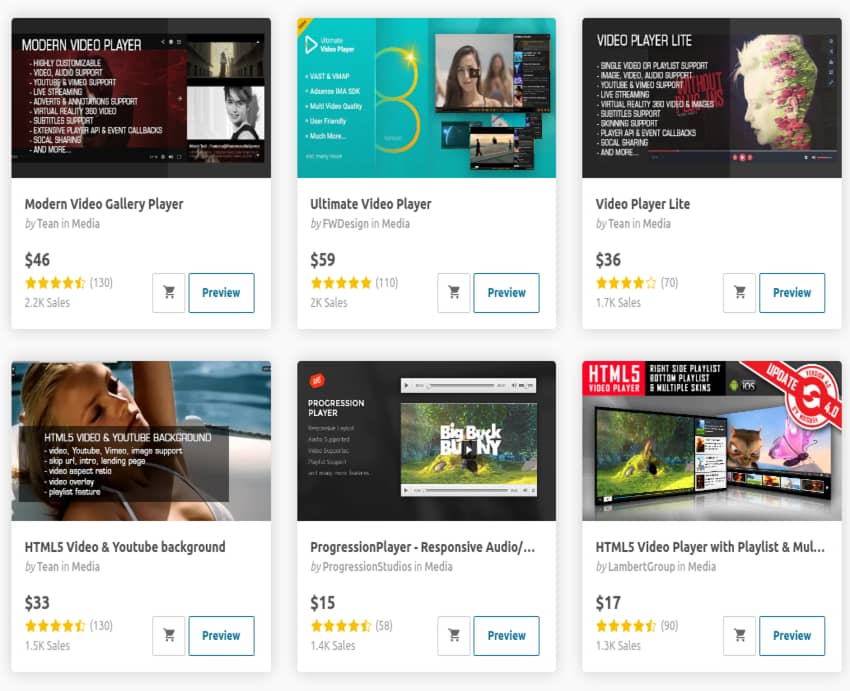
🎬 Contoh Tampilan Video Gallery
⚡ Step 1 — Struktur Project (simple dulu)
/public
  index.html
  style.css
  app.js
  data.json
🧾 Step 2 — data.json (INI KUNCI)
[
  {
    "title": "Video MP4",
    "type": "mp4",
    "src": "https://your-cdn.com/video1.mp4",
    "thumb": "https://your-cdn.com/thumb1.jpg"
  },
  {
    "title": "Stream HLS",
    "type": "m3u8",
    "src": "https://your-cdn.com/stream.m3u8",
    "thumb": "https://your-cdn.com/thumb2.jpg"
  },
  {
    "title": "Image",
    "type": "image",
    "src": "https://your-cdn.com/image.jpg",
    "thumb": "https://your-cdn.com/image.jpg"
  },
  {
    "title": "Embed",
    "type": "iframe",
    "src": "https://www.youtube.com/embed/xxxx",
    "thumb": "https://img.youtube.com/vi/xxxx/hqdefault.jpg"
  }
]
👉 Ini fleksibel banget — bisa kamu generate otomatis nanti pakai script (kayak yang biasa kamu lakukan)
🎨 Step 3 — index.html
<!DOCTYPE html>
<html>
<head>
  <title>Video Gallery</title>
  <link rel="stylesheet" href="style.css">
</head>
<body>

<h1>My Video Gallery</h1>

<div id="gallery"></div>

<div id="playerModal" class="hidden">
  <div class="player-content">
    <span onclick="closePlayer()">X</span>
    <div id="player"></div>
  </div>
</div>

<script src="app.js"></script>
</body>
</html>
🎨 Step 4 — style.css (grid modern)
body {
  background: #0f0f0f;
  color: white;
  font-family: Arial;
}

#gallery {
  display: grid;
  grid-template-columns: repeat(auto-fill, minmax(220px, 1fr));
  gap: 10px;
}

.card {
  cursor: pointer;
}

.card img {
  width: 100%;
  border-radius: 8px;
}

#playerModal {
  position: fixed;
  top:0;
  left:0;
  width:100%;
  height:100%;
  background: rgba(0,0,0,0.9);
}

.hidden {
  display: none;
}
⚙️ Step 5 — app.js (core logic)
const gallery = document.getElementById("gallery");
const modal = document.getElementById("playerModal");
const player = document.getElementById("player");

fetch("data.json")
  .then(res => res.json())
  .then(data => {
    data.forEach(item => {
      const div = document.createElement("div");
      div.className = "card";

      div.innerHTML = `
        <img src="${item.thumb}">
        <p>${item.title}</p>
      `;

      div.onclick = () => openPlayer(item);
      gallery.appendChild(div);
    });
  });

function openPlayer(item) {
  modal.classList.remove("hidden");

  if (item.type === "mp4") {
    player.innerHTML = `<video controls autoplay src="${item.src}" width="100%"></video>`;
  }

  if (item.type === "image") {
    player.innerHTML = `<img src="${item.src}" style="width:100%">`;
  }

  if (item.type === "iframe") {
    player.innerHTML = `<iframe src="${item.src}" width="100%" height="500" allowfullscreen></iframe>`;
  }

  if (item.type === "m3u8") {
    player.innerHTML = `
      <video id="hls" controls autoplay width="100%"></video>
    `;

    const video = document.getElementById("hls");

    if (Hls.isSupported()) {
      const hls = new Hls();
      hls.loadSource(item.src);
      hls.attachMedia(video);
    } else {
      video.src = item.src;
    }
  }
}

function closePlayer() {
  modal.classList.add("hidden");
  player.innerHTML = "";
}
⚠️ Tambahin HLS.js (untuk m3u8)
<script src="https://cdn.jsdelivr.net/npm/hls.js@latest"></script>
☁️ Soal R2 & Storage (real talk)
Jujur aja:
👉 R2 cocok untuk:
- thumbnail
- gambar
- file kecil
👉 R2 kurang ideal untuk:
- streaming m3u8 besar (tanpa optimasi)
- video heavy (kecuali kamu ngerti CDN tuning)
👉 Lebih bagus:
- MP4 → CDN / VPS / Bunny / Wasabi
- M3U8 → server streaming (nginx-rtmp / ffmpeg output)
🚀 Upgrade Next Level (kalau kamu mau lanjut)
Kalau ini sudah jalan, baru kita bisa naik level:
🔥 Level 2
- auto generate
data.jsondari folder (Node script) - pagination
- search
🔥 Level 3
- pakai Hono
- bikin API
/api/videos - auth upload
🔥 Level 4
- panel admin
- upload ke R2
- auto thumbnail ffmpeg
💬 Saran jujur dari gue
Jangan langsung lompat ke:
- Hono
- API
- database
👉 Itu bikin kamu stuck di setup, bukan progress
Mulai dari:
static + JSON → deploy → lihat hasil
👉 Kalau kamu mau
Gue bisa bantu next step yang lebih “kamu banget”:
- 🔧 script Node auto scan folder → generate data.json
- 🎬 ffmpeg auto generate thumbnail
- ☁️ upload ke R2 otomatis
- 🎨 UI ala Netflix (grid + hover + play icon)
Tinggal bilang:
"lanjut level 2"
nanti kita bikin lebih gila 🔥

